
Service book
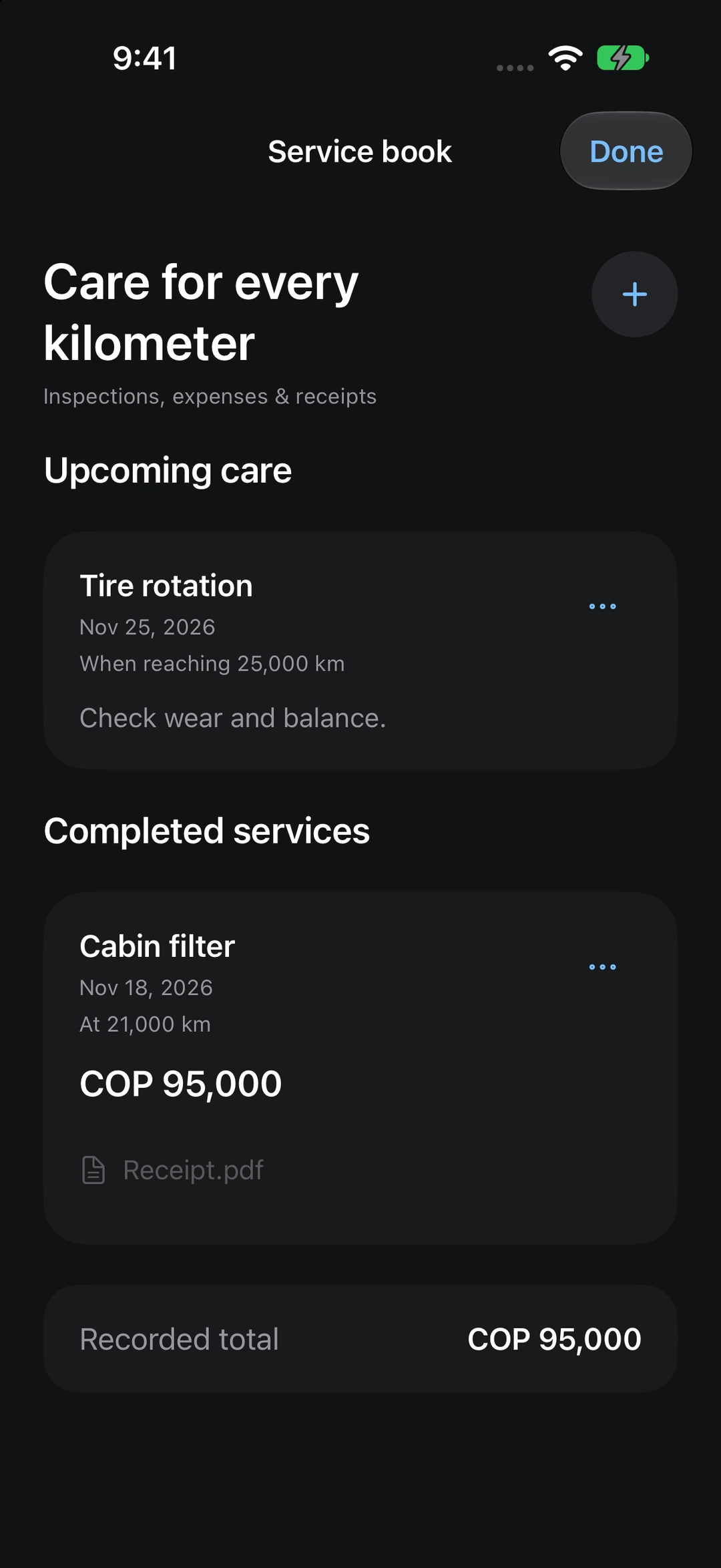
Keep inspections, costs and receipts together. Set reminders by date or mileage.
 Enlarge screenshot


Check the battery, cool the cabin before you get in, and keep track of what you spend on charging. All in one app.

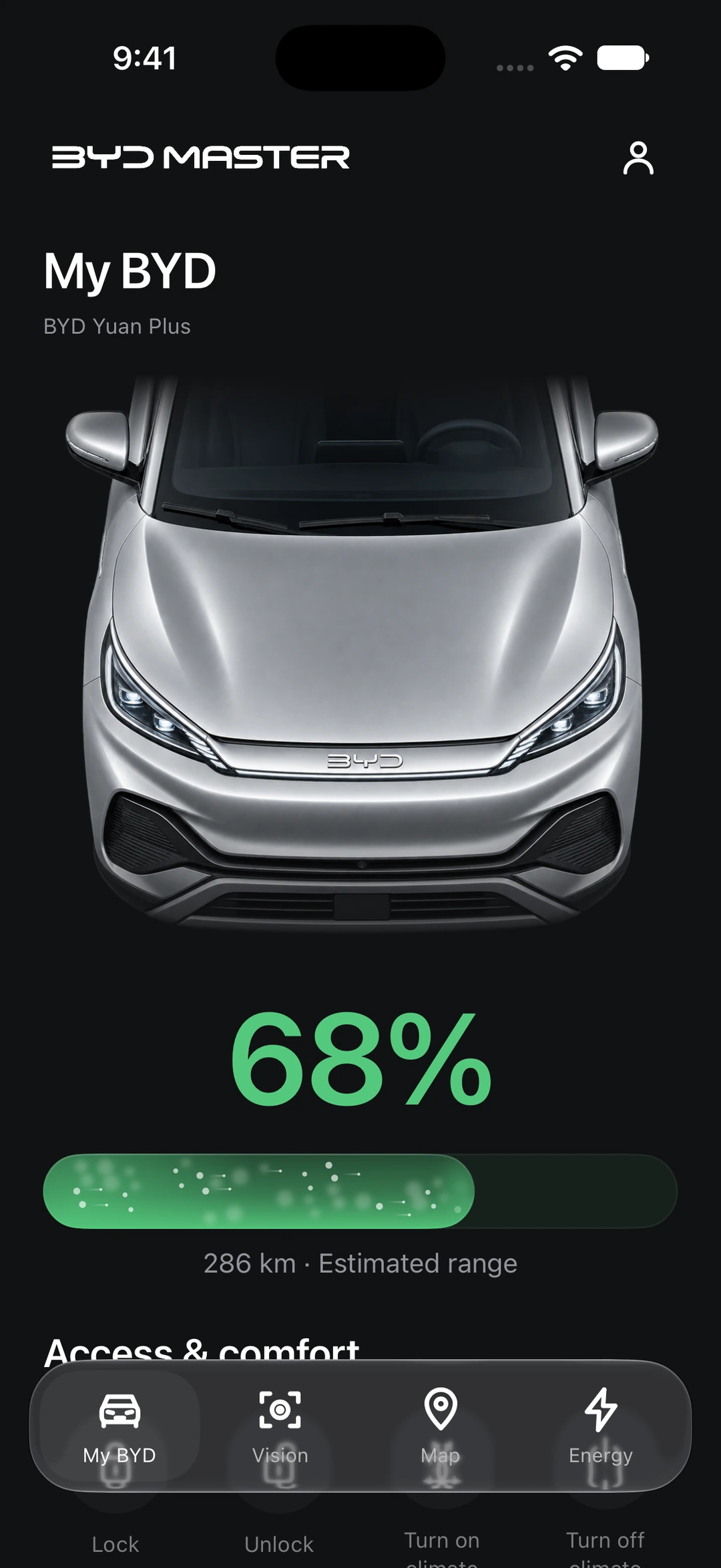
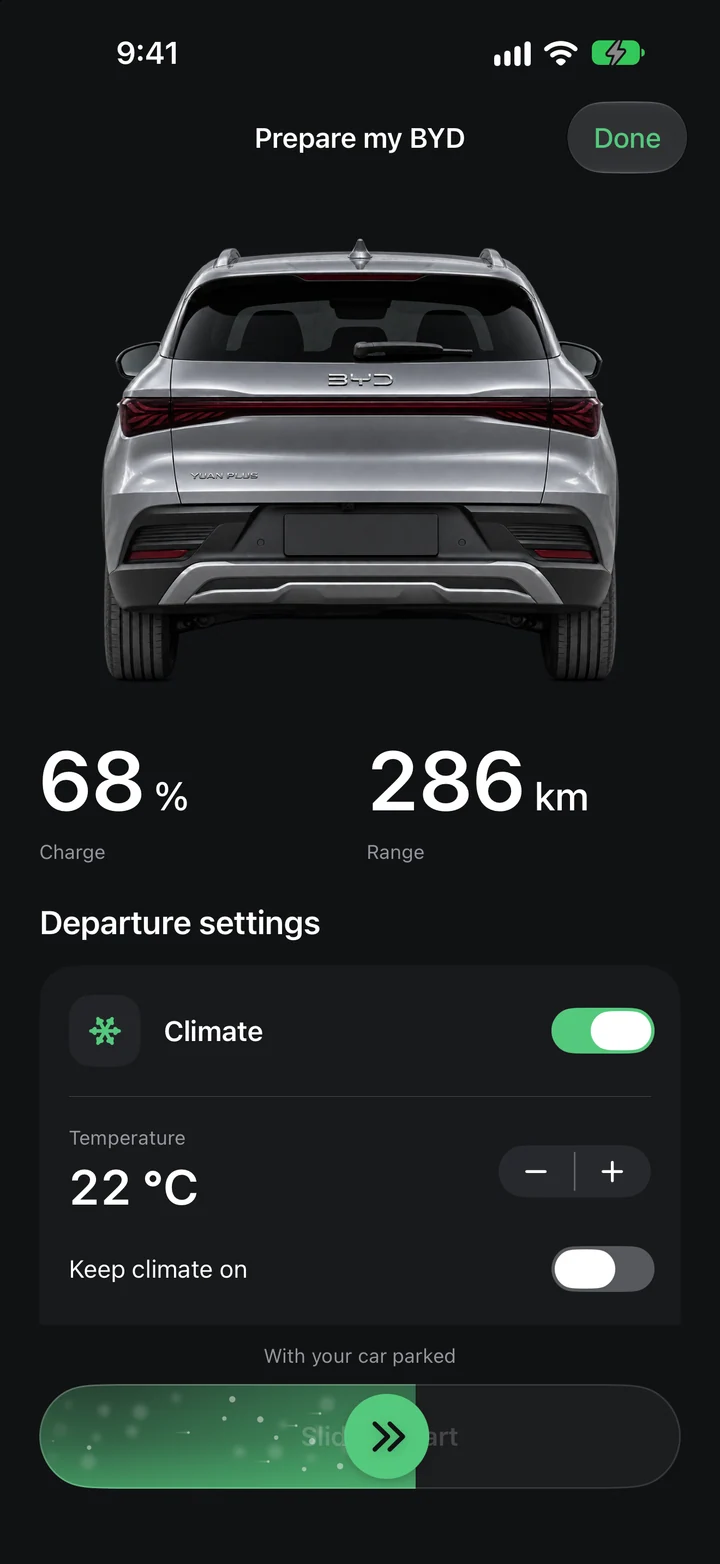
Before you leave. Set the cabin temperature on your iPhone while you get ready.
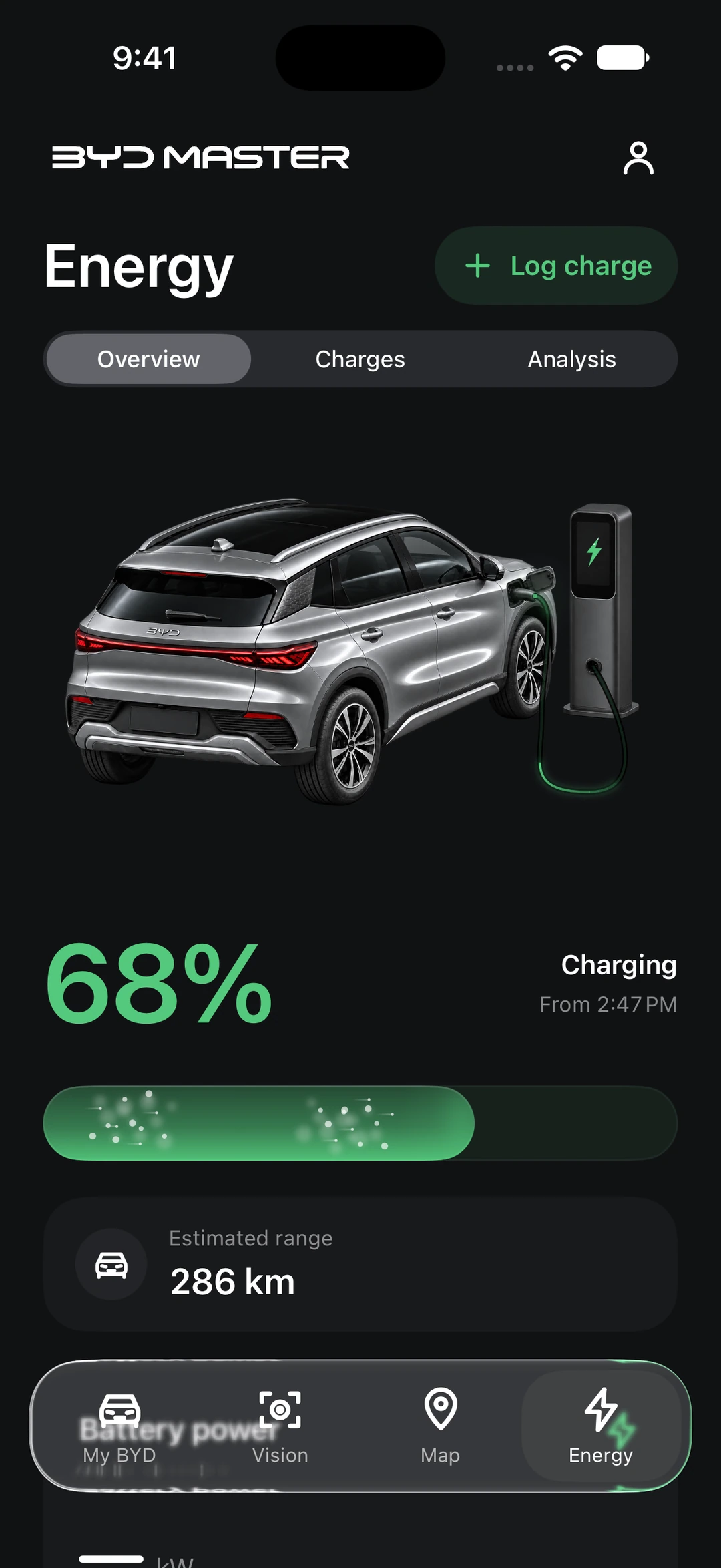
After a charge. See how many kWh you added and what you paid for them.
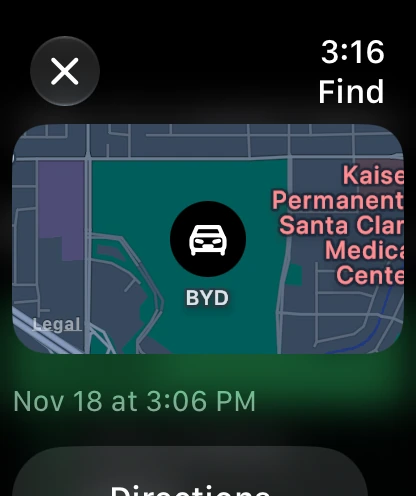
When you park. Find your BYD’s last known location on your watch.
Check the battery before you leave, look back over your route and see around the car once you’ve parked.
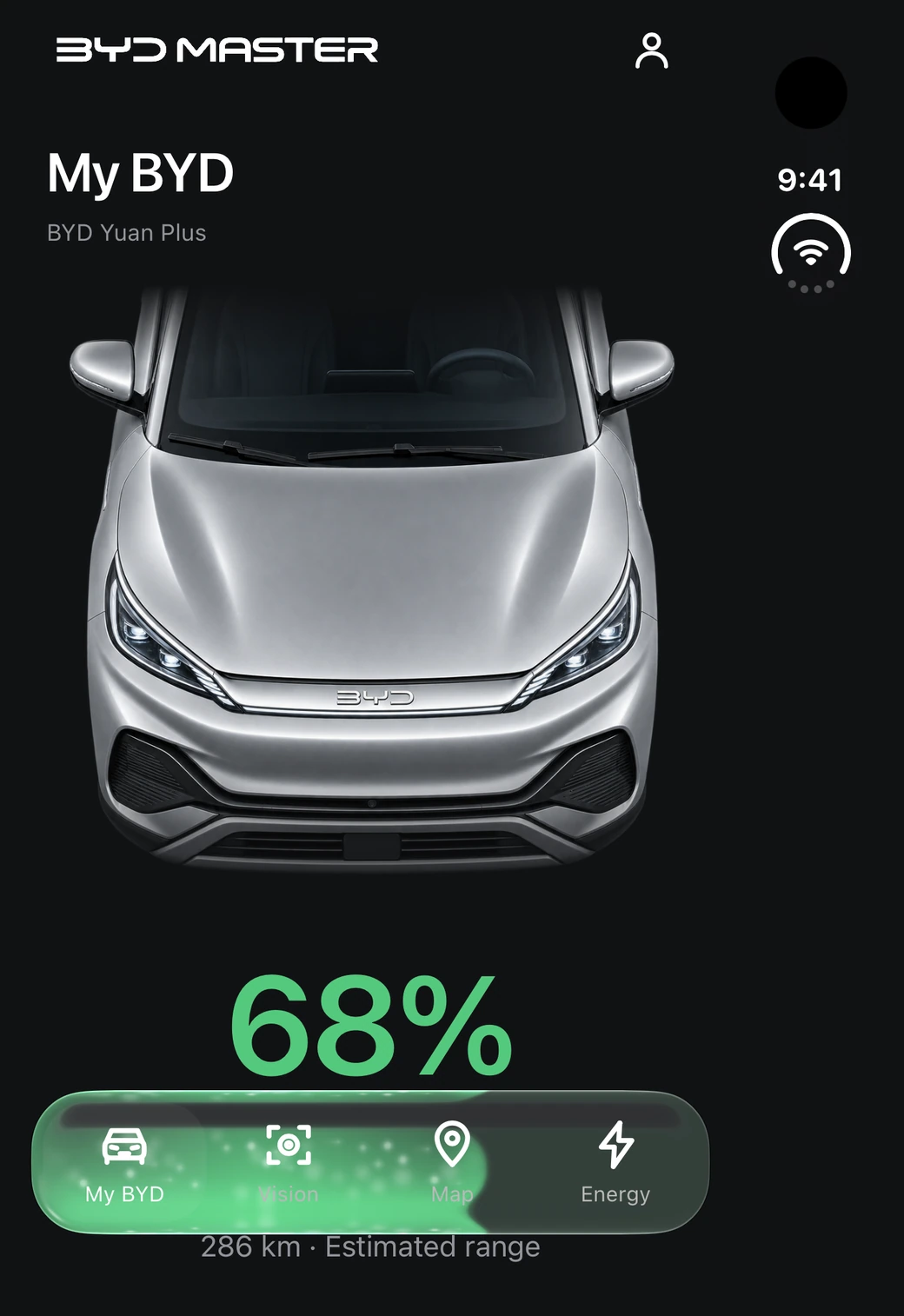
Check the battery level and estimated range reported by your BYD. Available controls depend on your vehicle.
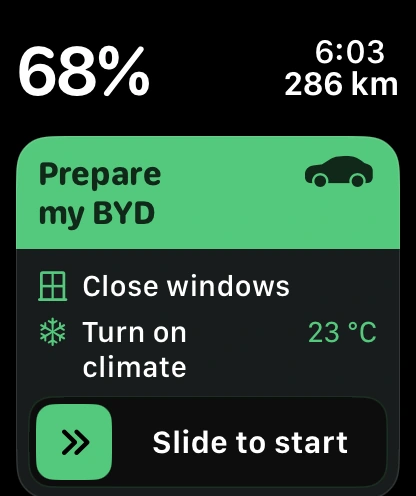
Set the cabin temperature and choose how long the climate control should run. Slide to start. You can also include closing the windows and unlocking the doors on supported vehicles.
Log the energy added and the amount paid to see your average cost per kWh. Recent range readings and your driving habits help estimate when the battery will reach 20%.
Open a recorded trip on the map to review its distance and available energy readings. Average consumption uses the distance covered by those readings. The app labels estimates.
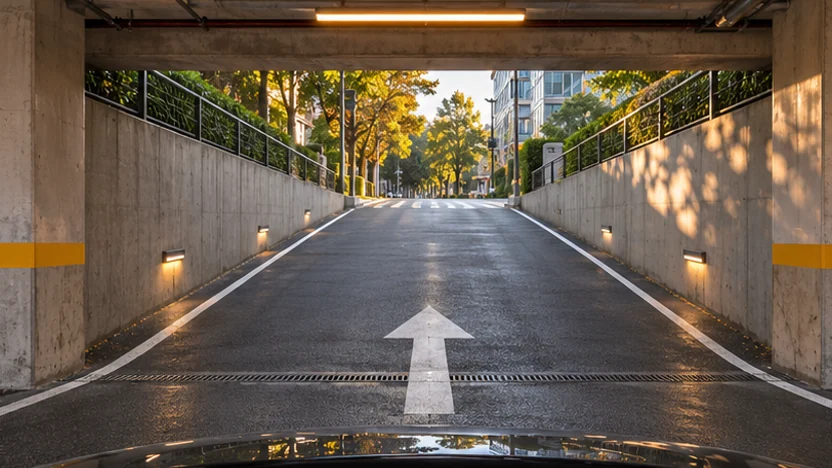
Choose a camera to see what’s ahead, behind or alongside the vehicle. To view cameras on your own BYD, pair a compatible Android camera bridge.
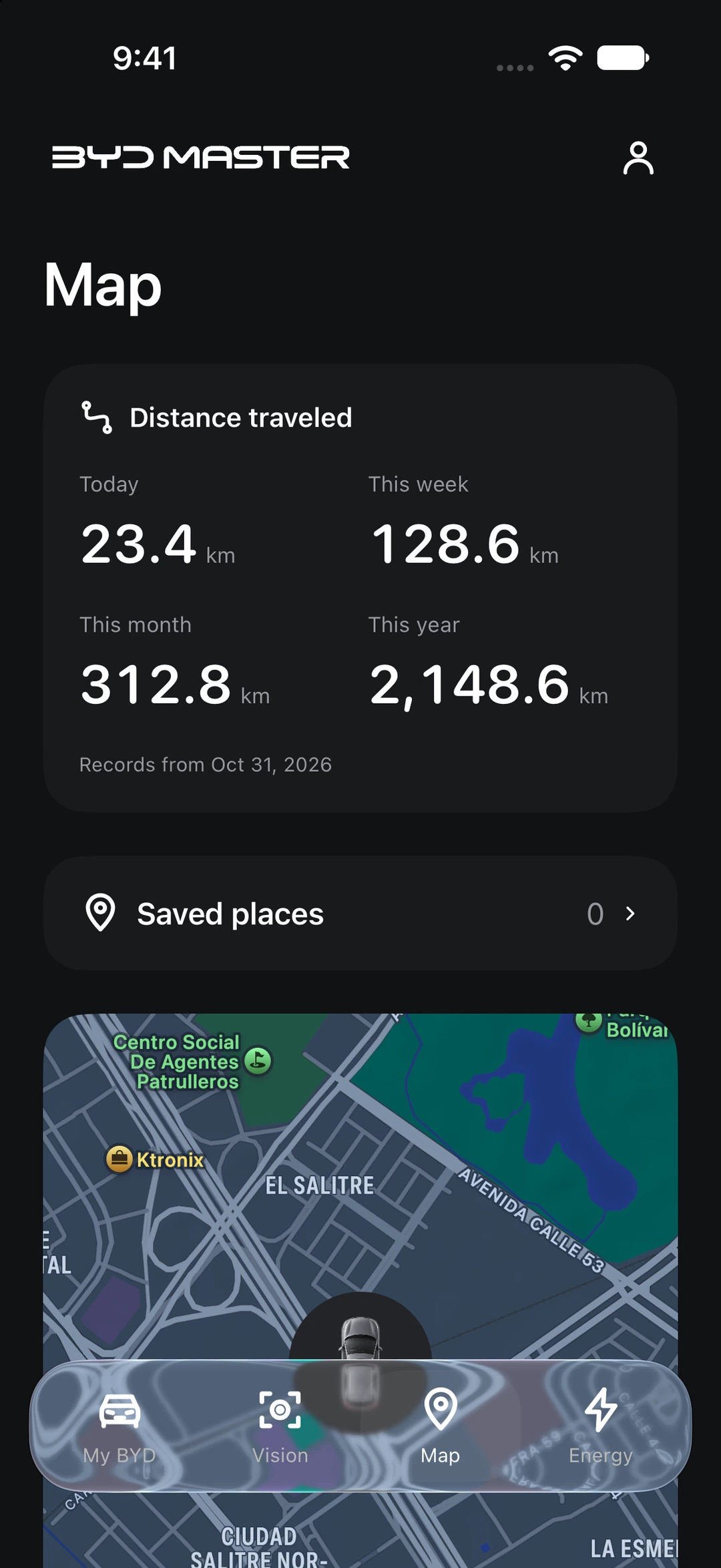
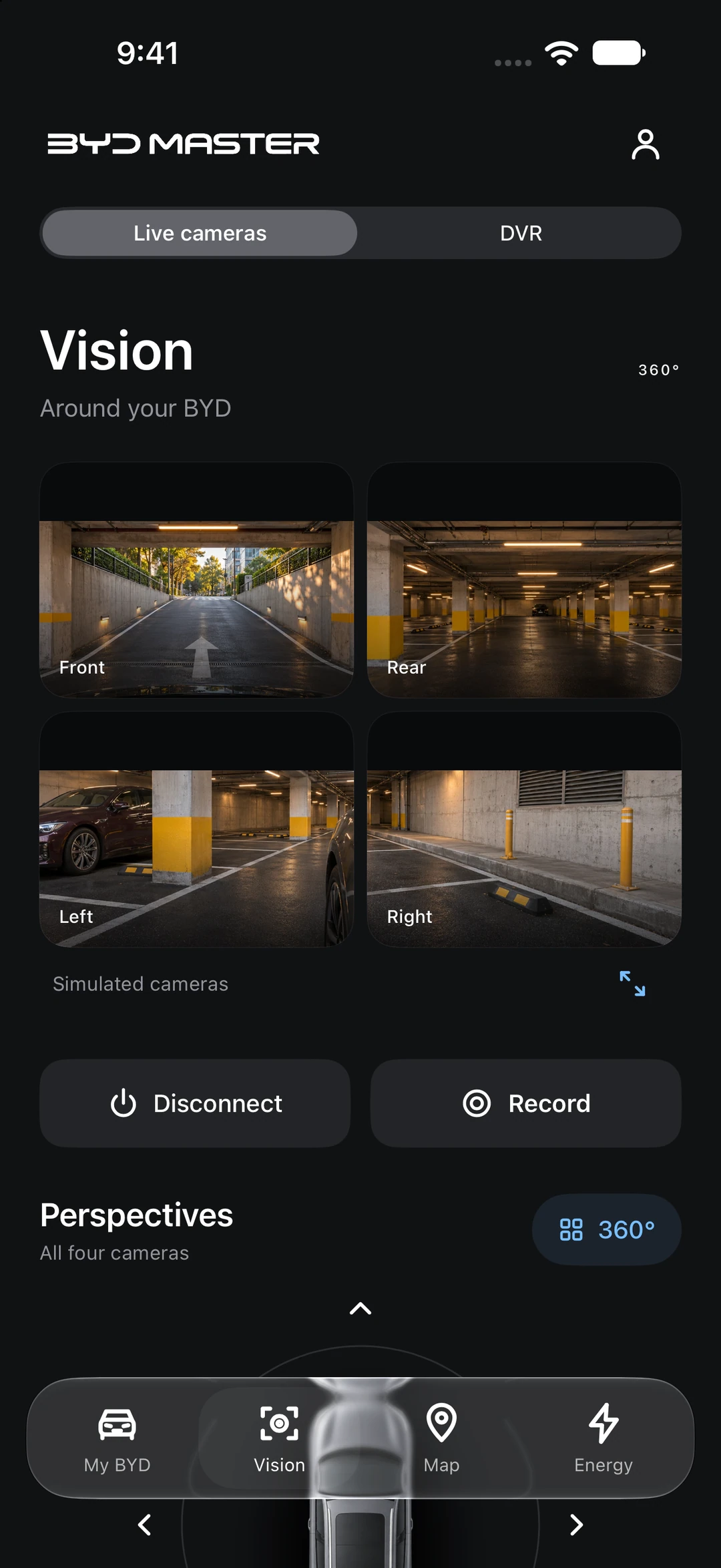
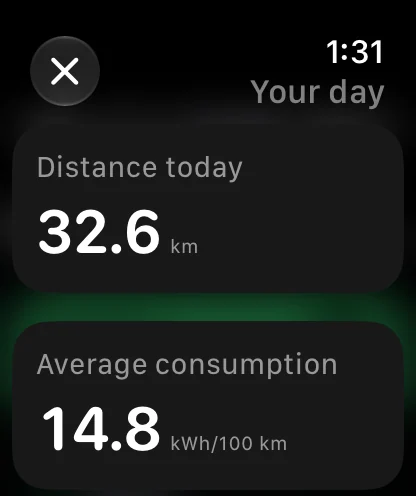
Open the map on your iPhone to see how far you’ve driven today, this week, this month and this year.
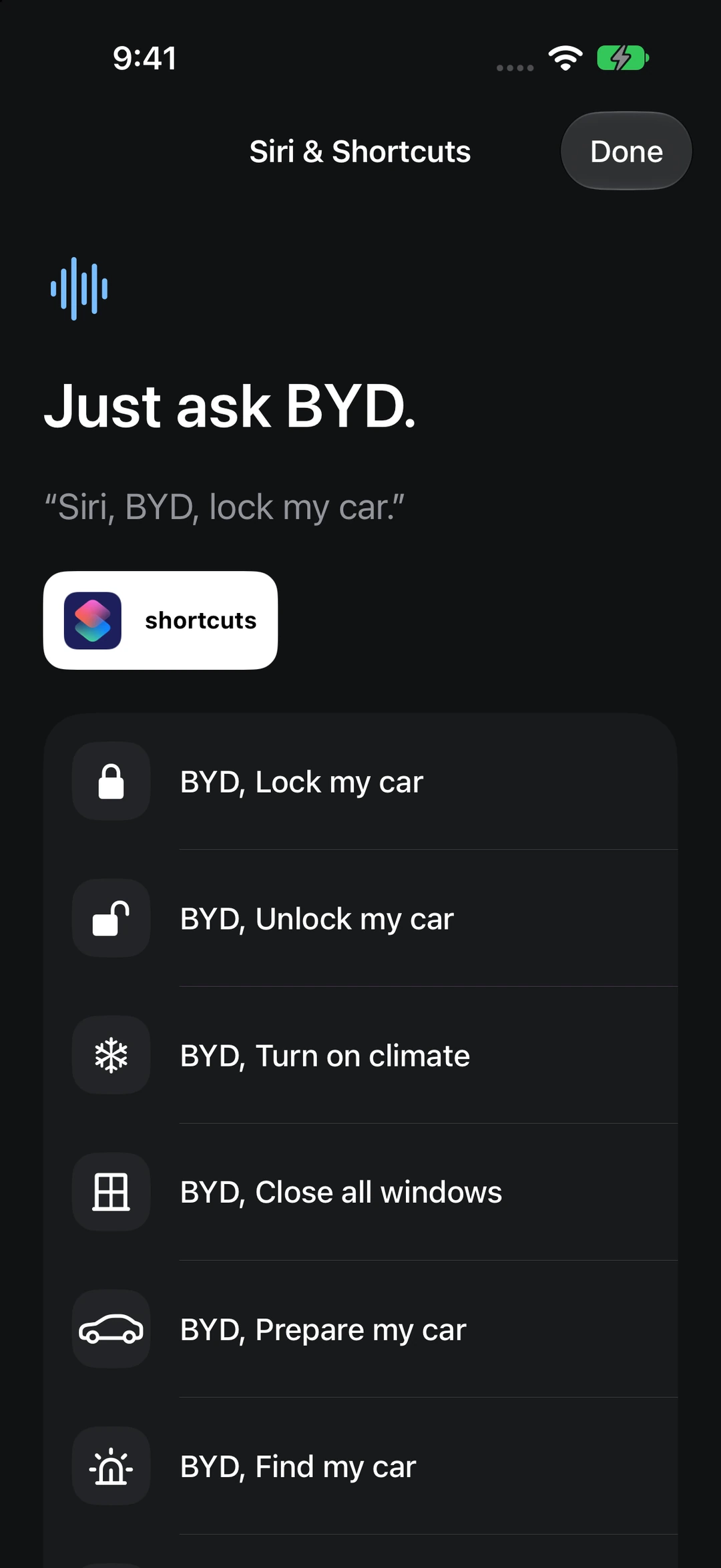
File a service receipt, check your tyre pressure or ask Siri how much battery is left.
Keep inspections, costs and receipts together. Set reminders by date or mileage.
Enlarge screenshotAsk how much battery is left or check your range on the Home Screen.
 Enlarge screenshot
Review past tyre pressure readings when your vehicle reports them.
See how your charging costs relate to the distance you drove.
Give home and work a name so you can recognise them on the map.
Secure the app with a local six-digit PIN or biometric authentication on iPhone.
Install BYD Master on your iPhone and link the account you use for your car.
Sign in with Apple and link the BYD account associated with your vehicle.
A paired iPhone running BYD Master is required to refresh readings and send commands.
Use the email address you use to sign in to the BYD app. Available controls depend on your model and account permissions.
BYD Master on the outer display of iPhone Duo.
Use the account that shows your vehicle in the official BYD app. Use your BYD PIN to authorise controls. Available actions depend on the vehicle and account permissions.
The app includes monthly, six-monthly and annual plans through Apple. Once it launches, you can check the price for your region and read the terms before subscribing.
Link your BYD account to access readings and supported controls. Vision also requires a compatible Android camera bridge in the car.

Sign in with Apple on your iPhone, then add the BYD account you use for your car.
Check plans and availability in your local App Store.